First log into your PayPal account. Go to the settings page by clicking on the gear icon in the top right corner.

Go to My selling tools on the left hand side.
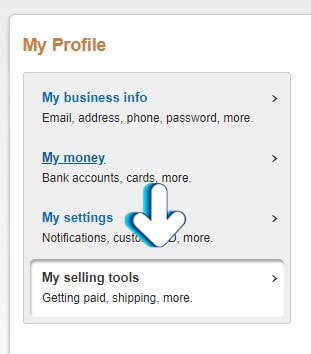
Go to the API access section and click on Update.

Scroll down on the next page to the NVP / SOAP section and click on Manage API Credentials.

The next page will give you access to your API Username, API Password, and API Signature by clicking on the Show links.

Author: Jesse Lange